
Otter.ai
Meeting transcription and AI summaries
About
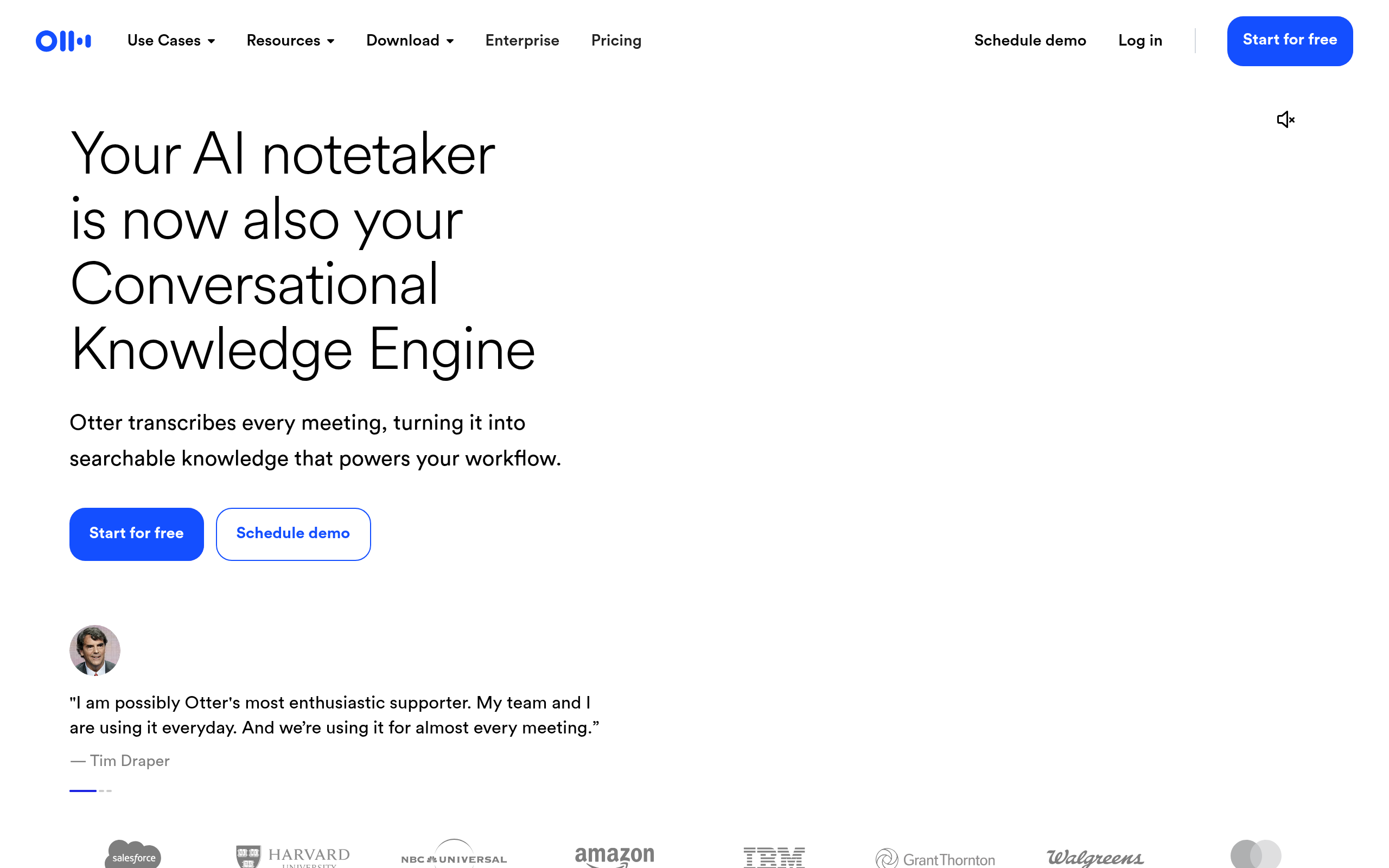
Otter.ai auto-records, transcribes and summarises meetings. Integrates with Zoom, Google Meet and Microsoft Teams.
Use cases
Customer calls, internal meetings, podcast transcripts and interview translation. OtterPilot joins meetings and produces real-time summaries.
Pricing
Free tier with 300 monthly minutes; Pro $17/month adds minutes and customisation.
Key features
- ✓Auto meeting transcription
- ✓OtterPilot live summary
- ✓Zoom/Meet/Teams integration
- ✓Team sharing
- ✓Action items extraction
- ✓Audio search
Pros
- Fast, accurate transcription
- Boosts meeting productivity
- Multi-platform integration
- Reasonable free tier
- Quality AI summaries
Cons
- Weak Turkish transcription
- Errors with strong accents
- Pro pricing is steep
- Data privacy concerns
Similar tools
Notion AI on AI Merkez — Independent Editorial Review
AI Merkez catalogues Notion AI alongside the world's leading AI tools so Turkish-speaking professionals can compare options without juggling tabs. Our tool entries focus on what actually matters in daily use: pricing tiers, language support, integration depth, data privacy posture and concrete use cases. We do not accept payment for placement — listings are organised by category and editorial relevance, not by sponsorship.
When Notion AI is a strong choice
If your team needs the workflows highlighted in the features section above and your budget aligns with the pricing model, Notion AI can replace several smaller tools or significantly cut manual work. Check the strengths column to confirm the fit before committing to a paid plan; almost every modern AI tool offers a free tier or trial, so validate against your real workflow before scaling up.
When to consider alternatives
Read the limitations honestly: every AI tool has gaps, and a tool that is excellent for one use case can be a poor fit for another. If Notion AI falls short on your specific requirement — whether it is Turkish language quality, on-premise deployment, regulated industry compliance or pricing — explore the "Similar tools" block at the bottom of this page. Side-by-side comparison is the fastest way to avoid lock-in regret.
How to evaluate AI tools without getting overwhelmed
Start with the smallest scope that proves value: a single repetitive task, one team, one week. If Notion AI measurably saves time on that scope, expand. If it does not, the added complexity is not worth the subscription. AI Merkez's mission is to keep this evaluation honest and fast — bookmark the category page if you want to keep tabs on new entries in this space.
Data privacy and responsible use
Before sending sensitive data — customer records, source code, financial documents — to Notion AI, read the provider's data retention, training-data and data-residency terms. Most enterprise plans offer an opt-out so your inputs are not used to train models; free tiers usually do not. If a Data Processing Agreement (DPA) is required for GDPR or KVKK compliance, request the official documentation from the vendor. Looping in IT and legal early — even during a trial — saves time later when scaling to production workloads.